
In this article
Key takeaways
- Revenue Hub replaces Commerce Hub and puts quoting, contracts and invoice collection next to the deal record (Professional and Enterprise).
- It suits teams whose deals pass through a spreadsheet, a PDF and a separate invoicing tool, and small teams without finance operations.
- Skip it if finance already runs a complex billing system, or if your quote process isn't written down.
- Before committing, check your plan, seat price, payment fees and credits, and have a person approve the Revenue Agent's messages at first.
A US analytics firm came to us with a problem that sounded small. Marketing and sales were reading the same funnel and telling two different stories, and nobody there could work out why.
We reviewed each step and remapped it. Five days later the gap was closed.
Missed leads fell to nearly 0%. Every lead handed from marketing to sales was approached by the sales team, 100% of them. No dead leads. Every lead had an owner. Every owner had a priority list, with context on each lead.
I am telling you this because Revenue Hub is aimed at the same kind of gap, only further down the funnel. Marketing and sales disagree about leads. Sales and finance disagree about what was quoted, what was signed and what was billed.
What Revenue Hub actually is
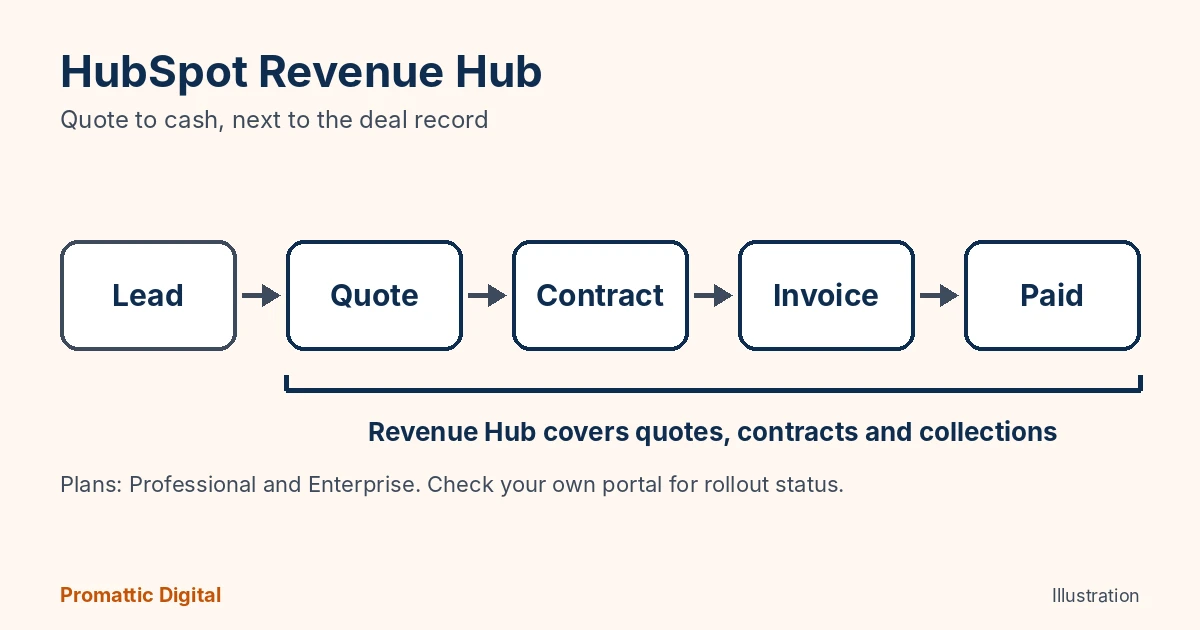
Revenue Hub is the evolution of HubSpot’s Commerce Hub, available on Professional and Enterprise plans. It takes over three jobs that most teams do in separate tools: quoting, contracts and collections.
On the quoting side, HubSpot says quotes can generate themselves from deal context once a prospect is ready, and CPQ now supports standard pricing across markets, segments and deal types so quotes stay consistent. For contracts, a Contracts tool manages agreements from the first sale through amendments, renewals and billing. And a new Revenue Agent watches open invoices and sends personalised nudges on overdue ones.
HubSpot cited Workleap, a Canadian software company, as an early example. It says Workleap went from creating a quote to getting a signature in under 15 minutes. That is HubSpot’s own customer story, so read it as the best case.
Who needs it
Here is my view.
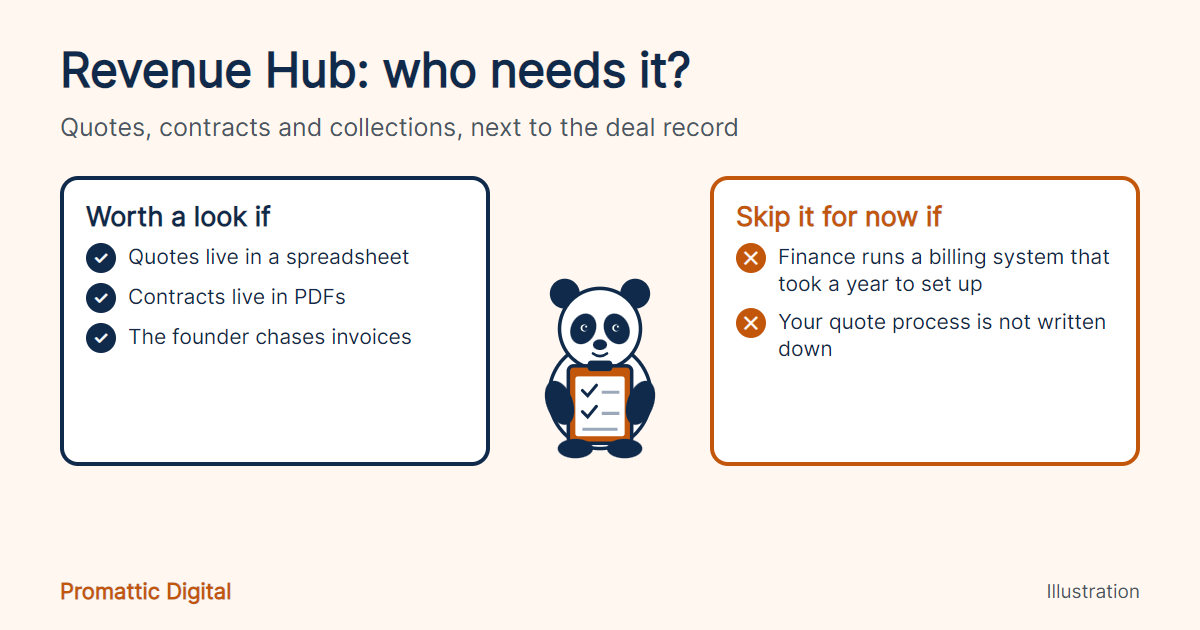
If your deals go from HubSpot to a spreadsheet for the quote, a PDF for the contract and a third tool for the invoice, you have three places for a deal to stall and nobody watching the handoffs. Revenue Hub puts those steps next to the deal record, so the owner of the deal can see where it is stuck.
It also suits small teams without a dedicated finance operations person. Someone has to chase unpaid invoices, and right now that someone is usually the founder, between calls.
Who should skip it
If finance already runs a proper billing system with usage-based pricing, multiple entities or tax rules that took a year to set up, I would not move it. Revenue Hub is new. Replacing a working billing system with a new one, in the same quarter as a platform overhaul, is how you end up with a very long chai break and a very upset controller.
Also skip it if your quote process is not written down. Software will not fix a process nobody has mapped. We saw that with the US analytics firm: the fix was in the mapping, not the tool.
Where this goes wrong
Three things to check before you commit.
Plan and rollout. HubSpot’s Fall 2026 Spotlight features are rolling out through October, and Revenue Hub is for Professional and Enterprise only. Check your portal.
Money. HubSpot’s Revenue Hub pricing page (checked 21 October 2026) lists a free tier for up to two users, Professional at $85 per seat per month billed annually or $95 billed monthly, and Enterprise at $140. Payments add fees on top: the platform fee is free for the first year, then 0.5% per transaction, with card payments at 2.9% and ACH at 0.8% capped at $10. HubSpot payments is for Starter, Professional and Enterprise customers in the US, Canada and the UK. Credits cost $0.01 each beyond the 3,000 (Professional) or 5,000 (Enterprise) included each month.
Agents. The Revenue Agent sends messages to your customers about money they owe. Keep a person approving the first few weeks of those, in the same way you would with a new hire in collections.
If you are not sure whether Revenue Hub fits, the free 30-minute growth audit covers your CRM and quote flow. We have helped 150+ businesses with this kind of mapping, and if the answer is “keep what you have”, we will say so. See also our managed HubSpot services.
FAQ
What is HubSpot Revenue Hub?
Revenue Hub is HubSpot’s quote-to-cash product, the evolution of Commerce Hub. It covers quoting with CPQ, contract management through renewals and billing, and a Revenue Agent that chases overdue invoices. It is available on Professional and Enterprise plans and is rolling out through the Fall 2026 Spotlight.
Is Revenue Hub the same as Commerce Hub?
It grew out of Commerce Hub. Third-party trackers describe Revenue Hub as the evolution of Commerce Hub, and it was added as a sixth hub in July 2026. If you used Commerce Hub for payments, check how your plan and fees map across.
What does the Revenue Agent do?
It watches open invoices and sends personalised collection follow-ups, following the conversation as it develops. It is new and in beta, so we would keep a person approving the messages at first, especially for larger accounts. Treat early results as a pilot, and measure how long invoices take to get paid before and after.
Sources
- HubSpot, Fall 2026 Spotlight announcement
- Pulse 2.0, HubSpot Launches New Breeze Assistant, Self-Updating Smart CRM (Workleap example)
- Integrate IQ, What’s new from HubSpot Unbound 2026 (Revenue Hub Contracts, CPQ), 23 September 2026
- MarketBetter, HubSpot Fall 2026 Spotlight for sales teams (third-party, checked 21 October 2026)
Last updated: 21 October 2026.