
In this article
Key takeaways
- HubSpot's self-updating Smart CRM, announced at Unbound on 16 September, logs calls, emails and meetings to records automatically.
- It fills in missing activity, not structure: it won't set owners, define stages or remove duplicates.
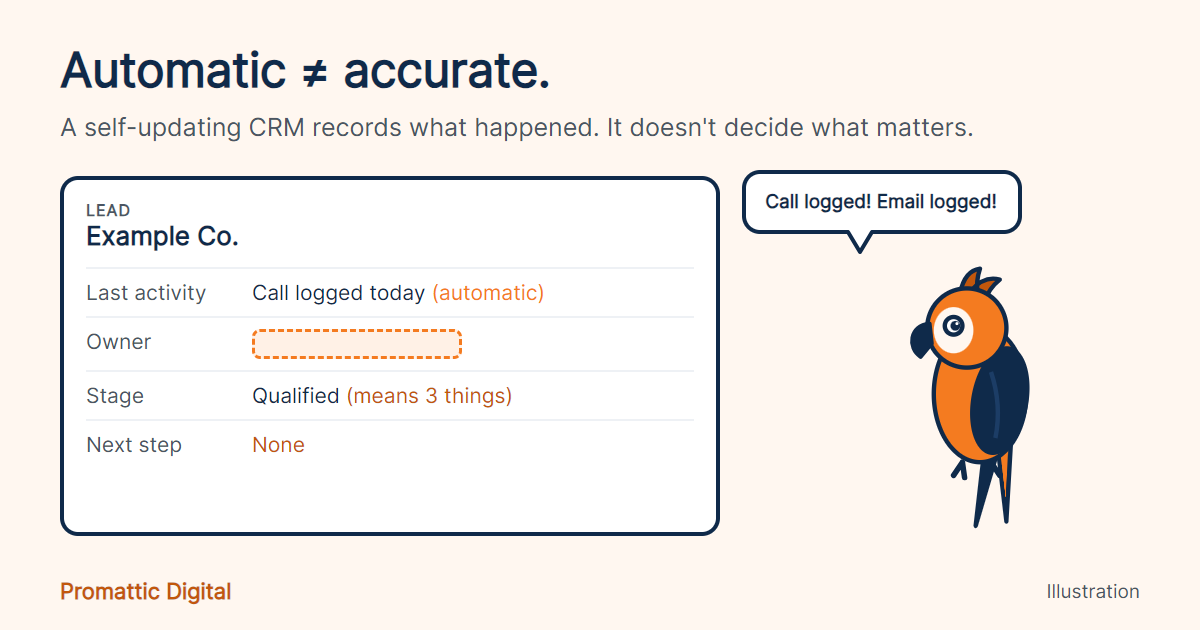
- Automatic isn't the same as accurate. Late-arriving data can make a record misleading.
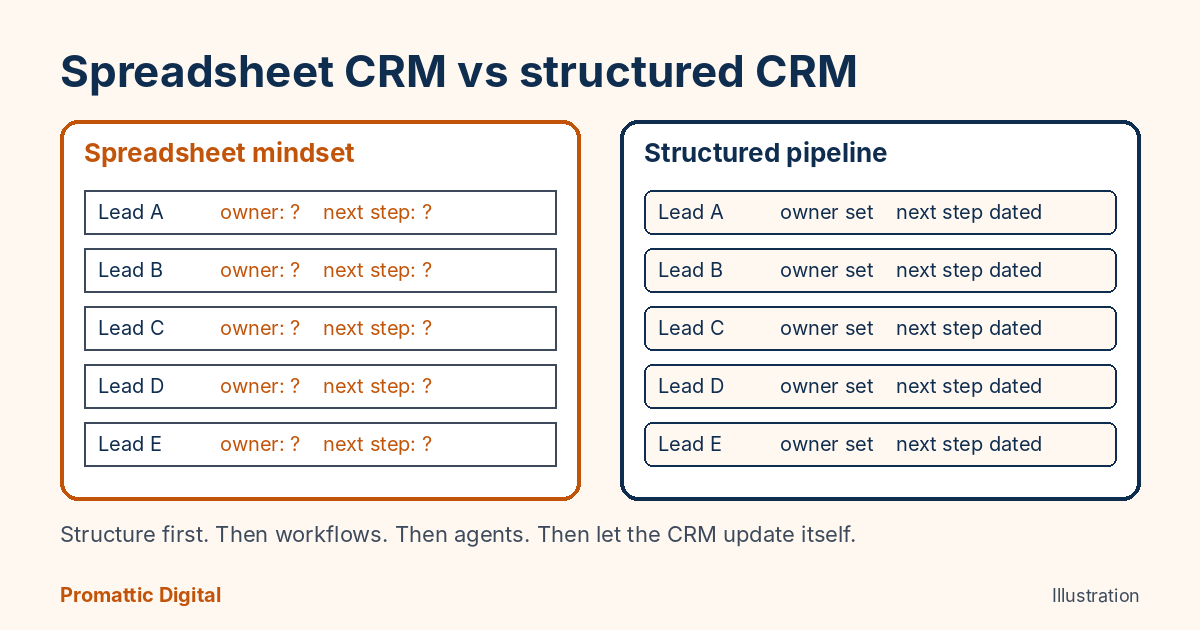
- Our order: structure first, then workflows, then agents, then let the CRM update itself.
One team we worked with, in the EV industry, was handling more than 100 B2B leads a month manually, the way you would handle a spreadsheet. Names in rows. No real structure. No clear focus on which lead mattered today.
So we built the structure. Workflows first. Then agents, from prospecting all the way to reply handling, and a good deal more on top of that.
What the team got back was full focus on their real work. Not on remembering who to call.
I keep that story in mind whenever someone tells me a CRM will now take care of itself.
What the promise is
At Unbound on 16 September, HubSpot announced a self-updating Smart CRM. It captures calls, emails and meetings and syncs them to records, so sales, marketing and service teams and AI agents see a current picture of the customer without anyone typing it in. CMSWire’s report of the keynote frames it as a response to a plain problem: records go stale because people forget to update them.
Alongside it came Context Home, which gives you a score for how complete your business context is and flags the gaps. HubSpot says its agents read that context before they act.
It is a good idea. Data entry is a tax on every rep, and the tax rarely gets paid in full.
Where the promise holds
Activity capture. A call that happened but never got logged is a lost fact. If HubSpot logs it for you, the timeline gets truer, and that helps everything downstream, including forecasting and the summaries Breeze Assistant writes.
It also helps the person who joins your team in March and needs to understand an account without a two-hour briefing.
Where it breaks
A self-updating CRM records what happened. It does not decide what matters.
It will not tell you that a lead has no owner, that two stages mean the same thing, or that your team uses “Qualified” in three different ways. That is structure, and structure is a design job. A writer on HackerNoon, who disclosed he runs an Elite HubSpot Partner, makes a related point: timing issues, like an old email arriving late and looking newer than a later event, can make an automatically updated record misleading. His examples are technical but the idea is simple. Automatic is not the same as accurate.
I would add the part we see in practice. If your leads are in a spreadsheet mindset, a self-updating layer gives you a faster spreadsheet.
Our view
Structure first. Then workflows. Then agents. Then let the CRM update itself, because by then it has something solid to update into.
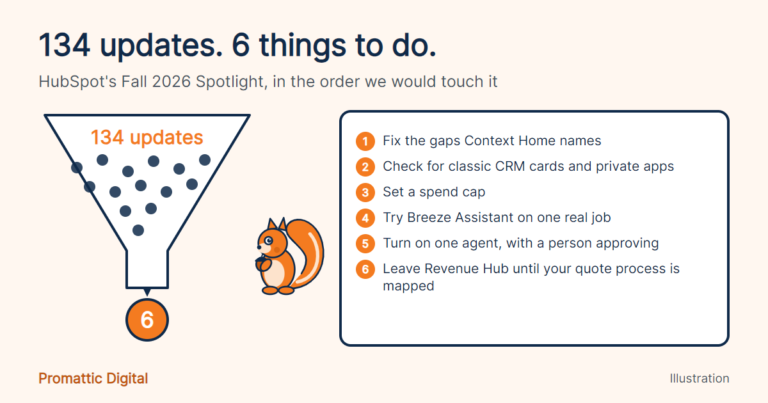
Concretely: every lead has an owner, every stage has a definition one sentence long, and every open deal has a next step with a date. If you cannot say that about your portal today, Context Home will probably tell you the same thing, with a score. (We put Context Home first in our Fall 2026 Spotlight breakdown for this reason.)
One honest limit. The self-updating CRM is new, in rollout through October, and I have run it on my own HubSpot, not yet on a client portal. What I know about the structure-first approach comes from the work we did before it existed, on our AI lead generation and CRM automation and managed HubSpot projects.
If your CRM feels like a spreadsheet with a login, our free 30-minute growth audit looks at owners, stages, workflows and follow-up. We have helped 150+ businesses with this, and it usually starts with one afternoon of tidying.
FAQ
What is the HubSpot self-updating CRM?
It is the Smart CRM update announced at the Fall 2026 Spotlight. It captures calls, emails and meetings automatically and syncs them to records, so teams and AI agents get a current view of the customer without manual data entry. It is rolling out in stages through October 2026.
What is Context Home in HubSpot?
Context Home shows what HubSpot knows about your business, customers and team, and scores how complete that information is. It highlights gaps that could weaken the output of HubSpot’s AI agents, which read the context before acting. Fixing those gaps is the first job, before you switch on any agent.
Does a self-updating CRM fix bad CRM data?
Not on its own. It adds activity automatically, but it does not set owners, define stages or remove duplicates. Clean structure first, then automation, gives you data that is both current and correct. In our experience that order matters more than the tool.
Sources
- CMSWire, HubSpot Debuts Breeze Assistant and Self-Updating CRM, 16 September 2026
- MarketScale, Salesforce and HubSpot are taking CRM updates out of the CRM screen (links to HubSpot’s Fall 2026 Spotlight announcement)
- Pulse 2.0, HubSpot Launches New Breeze Assistant, Self-Updating Smart CRM (Context Home)
- HackerNoon, A Self-Updating CRM Can Still Teach AI the Wrong Business (author discloses an Elite HubSpot Partner role)
Last updated: 21 October 2026.