
In this article
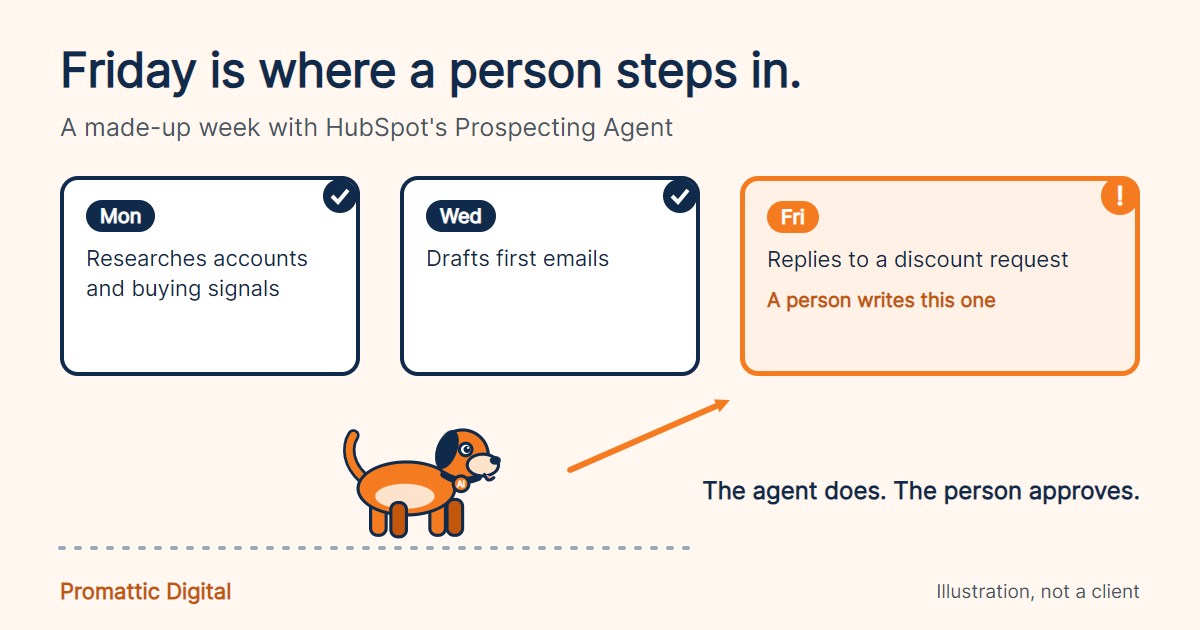
Here is a made-up team, to show where I would draw the line. This is an illustration, not a client story.
Say a twelve-person SaaS company switches on a Prospecting Agent on a Monday. By Wednesday it has researched accounts, picked out the ones showing buying signals and drafted first emails. Good. By Friday it is replying to a prospect who asked about pricing and a discount. Not good. That is a conversation with a price in it, and a person should have written it.
That one example is most of my opinion on Agent Hub. The rest is detail.
What Agent Hub is
On 23 July 2026, HubSpot moved its Breeze Agents into a new home called Agent Hub, and renamed Breeze Studio to Agent Builder. Both are in public beta for Professional and Enterprise plans. Breeze Assistant kept its name.
Agent Hub gives you one view of every agent running across marketing, sales and service: what is active, what it is doing and what it produced, according to Integrate IQ’s write-up of the Fall Spotlight. HubSpot says it does not need a separate licence.
The line-up is the Customer Agent, the Prospecting Agent and the Data Agent, plus three new marketing agents and a Revenue Agent in public beta. Demand Gen Playbook reports that the Prospecting Agent now watches more than 40 buying signals.
What it costs
Agents run on credits, and credits cost $0.01 each beyond your monthly allowance, according to HubSpot’s pricing page. That page lists 3,000 included credits on Professional and 5,000 on Enterprise. Some sources, including Eesel’s pricing breakdown, put the per-action costs at 100 credits for a Prospecting Agent recommendation on one lead, 50 for a Customer Agent resolved conversation, 10 for a Data Agent prompt about one record and 1,000 for a piece of content from the beta Content Agent. At a cent a credit, that is about $1 a lead and 50 cents a resolution, which matches the pay-per-result prices CMSWire reported for April. Some sources add that agents which were free during the beta now consume credits.
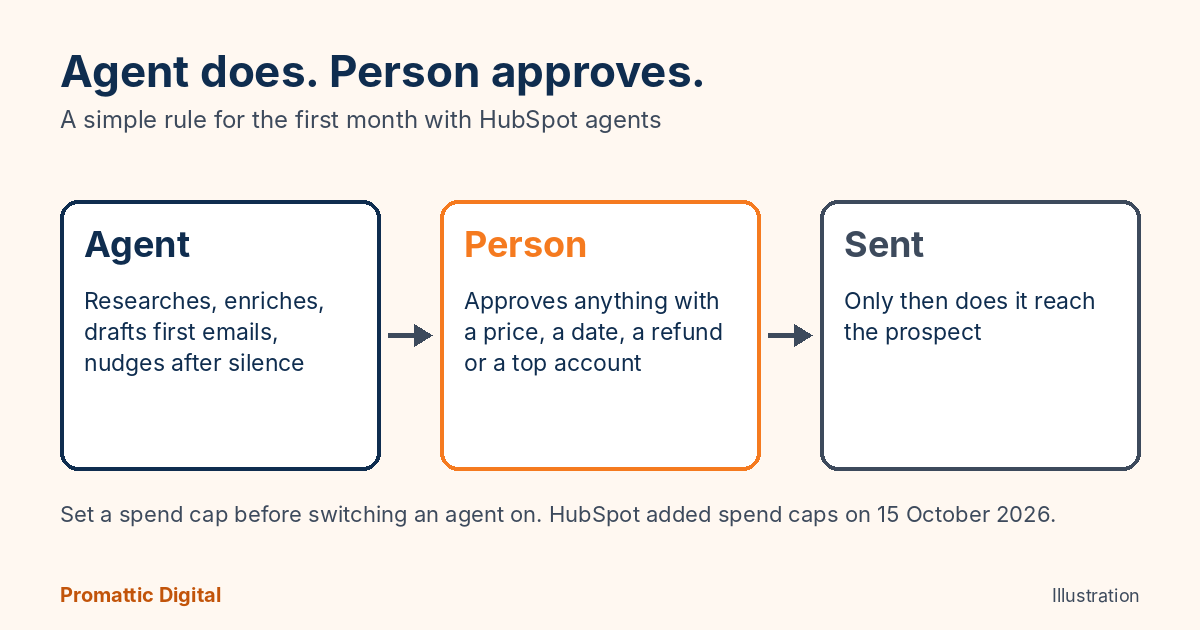
On 15 October, HubSpot announced spend caps, seat-to-credit swaps and flex payment options for exactly this reason: AI usage is growing and customers wanted a ceiling. Set the cap before you switch the agent on, not after the first bill.
Where I would use agents
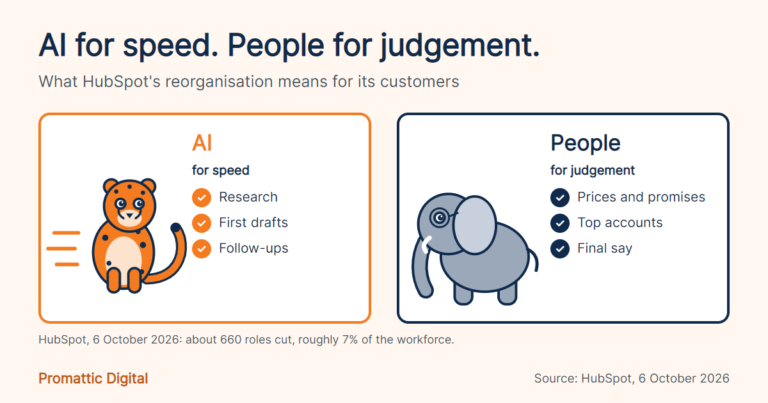
Research. Enrichment. First drafts. Follow-ups on silence, where a prospect has gone quiet for a week and a gentle nudge costs nothing.
That matches how we work at Promattic: AI does the research and first drafts so we move faster, and a person plans, writes or reviews everything that goes out. It is the same approach behind our AI lead generation and CRM automation work.
Where I would keep a human
Anything with a price in it. Anything that promises a date. Refunds, complaints and contract terms. And any message to your ten biggest accounts, however good the draft looks.
The agent does. The person approves. For the first month, I would make that rule absolute, then loosen it only for message types where you have read fifty and found nothing you would change.
Where this goes wrong
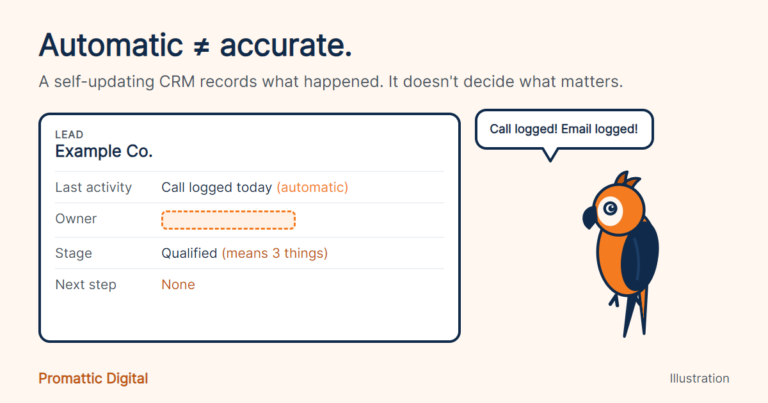
The big risk is not that an agent writes badly. It is that it writes confidently from thin data. HubSpot is clear that its agents read your business context before they act, so a CRM with blank owners and stale deal stages gives the agent very little to be right about. Start with the context score in the Spotlight, which we cover in our Fall 2026 Spotlight post.
Beta is the other one. Agent Builder and parts of Agent Hub are in public beta, so features, names and pricing have already changed once this year. Pilot with one agent and one workflow. Do not rebuild your whole outbound motion on a beta.
If you want help deciding which agent earns a place in your portal first, that is a good use of the free 30-minute growth audit. We have helped 150+ businesses, and half the value is telling you what not to switch on. See also our managed HubSpot services.
FAQ
What is HubSpot Agent Hub?
Agent Hub is the home for HubSpot’s AI agents, announced on 23 July 2026. It replaced the Breeze Agents name and gives teams one place to see which agents are active, what they are doing and what they produced. It is in public beta for Professional and Enterprise plans.
What is the difference between Agent Hub and Agent Builder?
Agent Hub is where pre-built and custom agents live. Agent Builder, the renamed Breeze Studio, is where you create custom agents. In the Fall 2026 release, Breeze Assistant can also guide you through building an agent inside Agent Builder. It is still in public beta, so expect changes.
Do HubSpot agents cost extra?
Agent Hub itself needs no separate licence, but agents consume HubSpot credits. Some agents moved to pay-per-result pricing in April 2026. HubSpot also added spend caps on 15 October, so set one before you switch an agent on, and watch the first month’s usage before adding more.
Sources
- Integrate IQ, What’s new from HubSpot Unbound 2026, 23 September 2026
- CMSWire, HubSpot Debuts Breeze Assistant and Self-Updating CRM, 16 September 2026
- Demand Gen Playbook (Hacking Demand), HubSpot Unbound 2026 Fall Spotlight
- HubSpot Newsroom, spend caps and flex payment options, 15 October 2026
- MarketBetter, HubSpot Fall 2026 Spotlight for sales teams (third-party, checked 21 October 2026)
Last updated: 21 October 2026.